Decide what belongs in the portrait
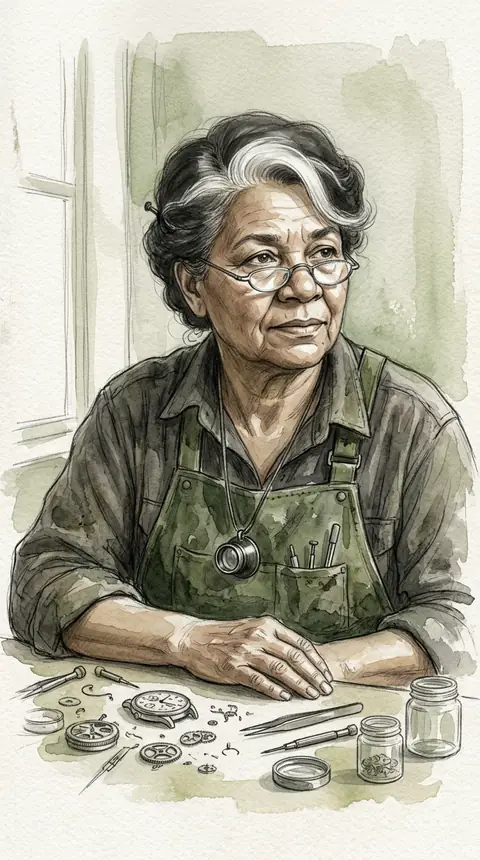
Inez has crescent glasses, a single silver forelock and a green work apron. Only the first two identify her on the way home. Choose a base portrait in soft light where you can see both temples and the hairline. Save the apron as part of her workshop Look.
A LoRA encodes learned features in an adapter for a compatible base model. A reference supplies the visual example at generation time. For a series with costume changes, a new reference can be quicker to revise than a training set in which the same apron appears in every picture.
Run a profile check before adding a costume
Keep Inez at the workbench. Turn her toward the window as she steadies a locket. The pose and viewing angle change together, but her clothing stays the same. In profile, the glasses should still curve upward and the silver streak should fall toward the same temple.
If the frame is hard to judge, choose a clearer reference or turn her slightly back toward the camera. Adding more facial adjectives makes it harder to tell whether the new angle caused the problem.
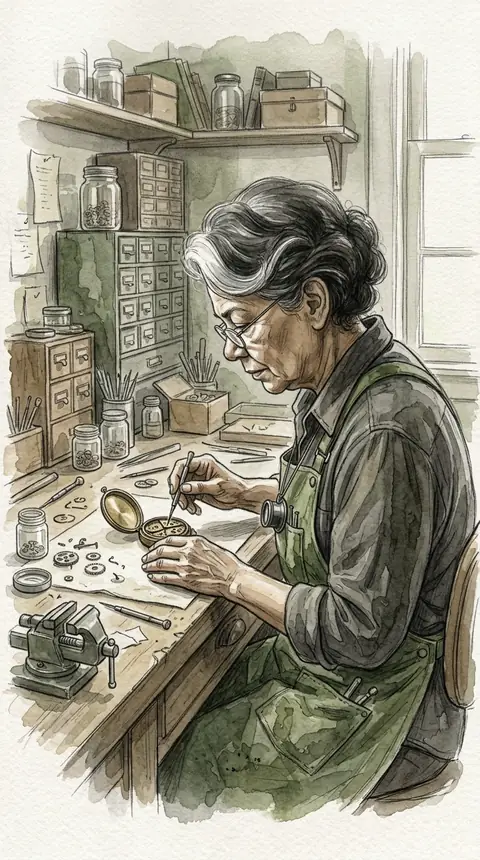
Check the two facial anchors again from the side. Change the apron, then check the face
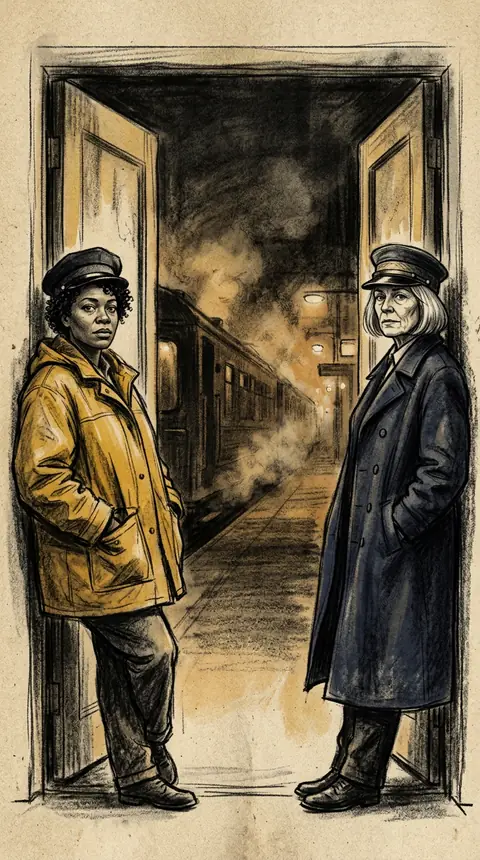
For the next Scene use a rust raincoat Look on the same Character. Move Inez onto a rainy tram platform. Cover the coat with your hand and see whether the face still reads as the watchmaker. If it does, you now have a repeatable pair of Looks for the commute and workshop.
If the apron reappears, remove wardrobe references from the other Scene and check the selected Look before revising the Character. Save the portrait you accepted so the next Episode starts from the same evidence.
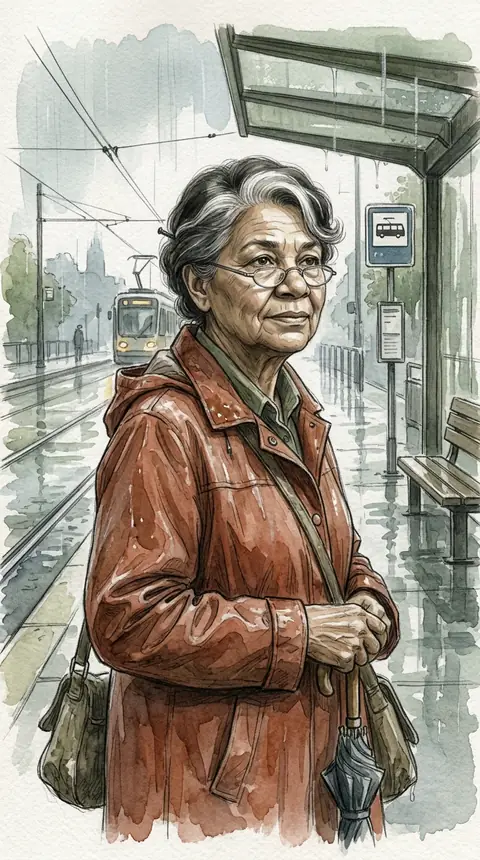
The new Look changes the coat while the glasses and forelock stay recognizable. Choose what the next shot needs
A drawn Start Image is useful when the locket has to sit in a particular hand. A reference-to-video Story can work from the saved cast and location without commissioning that drawing. For blocking, shot continuity and multi-Scene staging, continue with the main character consistency guide.
Training an adapter may still suit an artist working with a fixed local model and many examples of a specific brush style. The portrait-and-Look method is meant for the different problem of keeping a recurring actor recognizable.
Common mistakes
Re-describing the character’s full face in every scene prompt, which conflicts with the attached reference image.
Starting with a heavily shadowed or extreme side-profile portrait as the base Character picture.
Skipping Looks and hoping text alone keeps an intricate jacket identical across 10 Scenes.
Questions
Do I need a GPU or a dataset?
You can create the Character from words or a picture in the app, then keep using that visual reference. There is no training run to configure.
What if a costume keeps coming back?
Inspect the references for that Scene. Use the raincoat Look for the platform and leave the apron reference at the workshop.
What belongs on the first reference sheet?
One unobstructed face, one profile and a full-body view are useful checks. Start with a single clear portrait, then add views that answer a real continuity question.
When should I revisit the identity?
If the face changes in two lighting setups with the same Look, revisit the portrait. If only the coat changes, fix the Look first.