Design your duo with contrasting shapes and colors
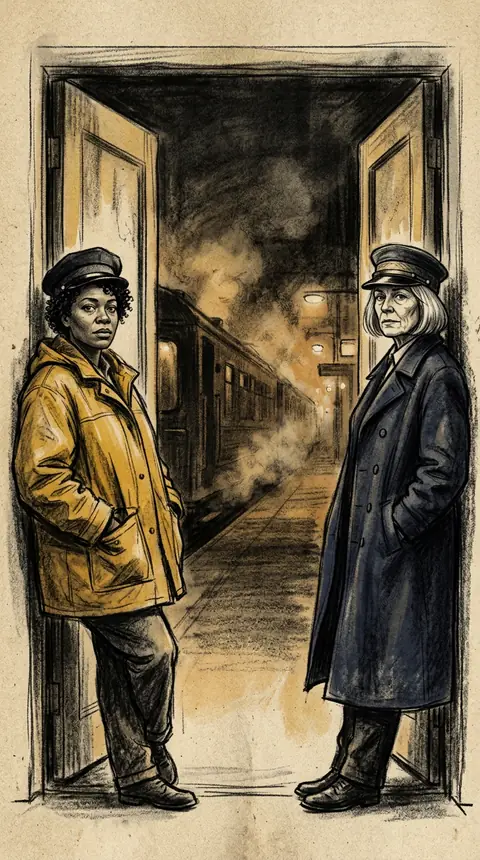
Matching coats and overlapping profiles make it hard to tell where one figure ends, especially in a narrow frame. Before you write Episode 1, build visual contrast into the cast: warm camel coat vs charcoal suit, tall narrow frame vs compact frame, curly dark hair vs bright silver bob.
On a phone the yellow sleeve identifies Mara even when only her shoulder is in frame. Keep that cue on the same side of the cut.
Anchor every prompt with screen position and character names
Never write "they argue in the hallway." Give each actor a starting position the viewer can recognize: "On the left, Mara (yellow raincoat) holds up a folded letter; on the right, Theo (navy overcoat) steps back toward the elevator."
Keep each character’s clothing cue short and consistent with their saved Look so the model binds attributes to the right person.
Approve the two-shot as a Start Image before filming video
For image-to-video, draw the two-shot as a Start Image first (6 Credits on Nano Banana 2.1). Check the eyelines, the gap between shoulders and which hand holds the envelope. Reference-to-video Stories use saved cast and location references and leave Scene pictures optional.
If the two faces look too similar or a jacket color jumped across the frame, adjust blocking in the Scene description and redraw the picture. Only press Film once the still reads cleanly.
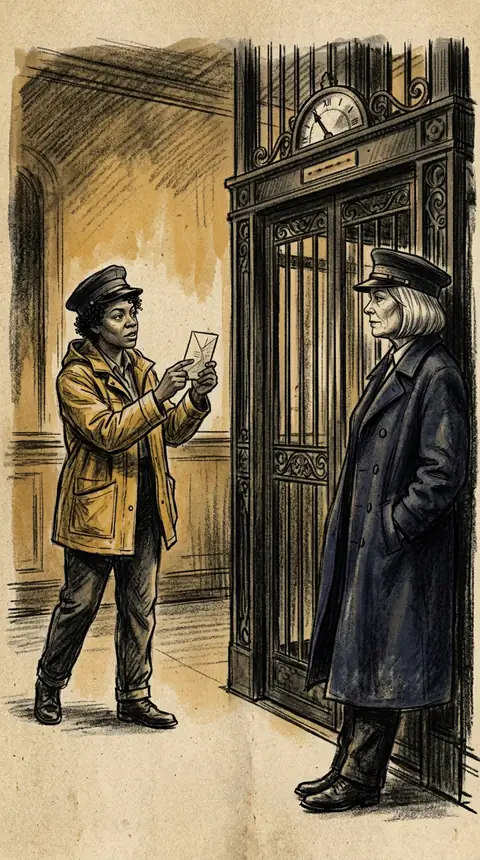
Start Image blocking: Mara holds the letter on the left. Theo stays by the elevator on the right. Assign one active mover per 5-second Scene
When two characters both talk, gesture and cross paths in a single 5-second Clip, video models frequently morph hands or swap profiles during the crossover. Give one character the active motion (turning, speaking, sliding a prop across the table) while the other reacts with subtle expression or posture.
On the very next Scene, flip who leads the motion — just like live-action editing uses shot and reverse-shot.
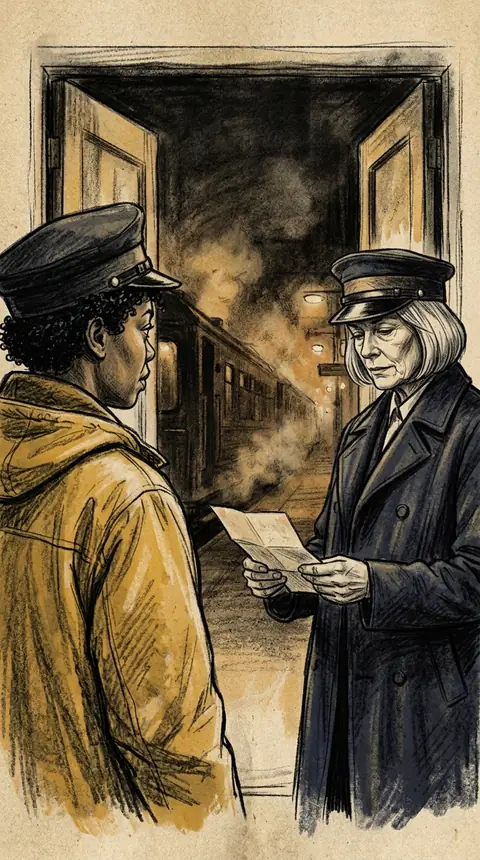
Keep the camera on the same side of the pair as the reaction passes to Theo. Use Seedance 2.5 when props and setting also must stay fixed
For the folded letter at the elevator, attach Mara and Theo, then the prop and location references you need. Seedance 2.5 in the Playground accepts 30 pictures total including seated Characters.
Check both faces during the move. An eligible standalone web Regular 480p take without reference audio can use Make it 1080p within 14 days.
Common mistakes
Using "they" or "both of them" instead of naming each Character and their left/right position.
Dressing the leads in matching jackets for a dimly lit two-shot.
Having two characters walk across each other in front of the camera during a 5-second Clip.
Questions
Can Character App cast two saved Characters in the same Scene?
Yes. Add both Characters to your Story cast or attach both as references in the Playground. Both seated Characters count toward the reference total.
Why do two AI characters sometimes merge faces?
Face merging happens when two characters share similar colors/hair, stand overlapping without left/right blocking, or cross paths rapidly in one shot.
Is shot/reverse-shot better than a two-shot for dialogue?
Establish the room with one clear left/right two-shot, then alternate single close-ups or over-the-shoulder shots for back-and-forth dialogue.