Turn your own manga characters into an anime
Your drawn characters become Characters who stay on model, and your chapter becomes Scenes the AI Director stages as new shots. Your own work only.
Free: make your Character and its Story as picture-only Slideshows. Real video comes with a plan.
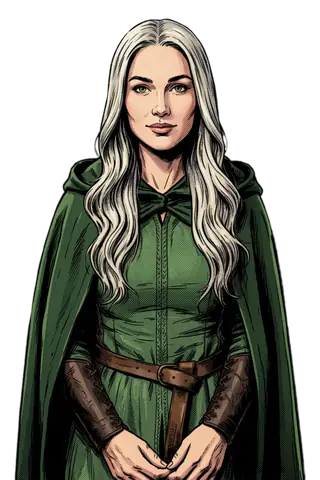 Comic
Comic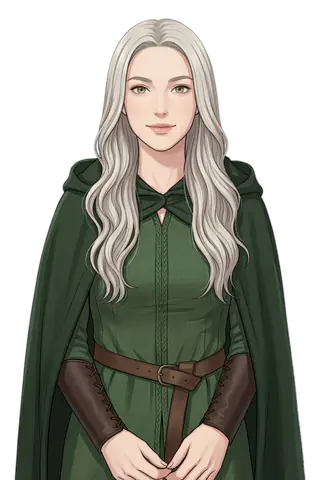 Webtoon
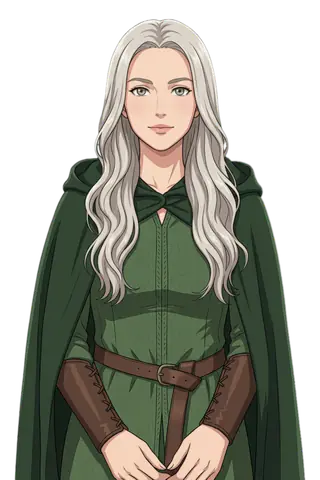 Anime
AnimeHow to turn your own manga into an anime story
Character App does not animate your manga pages or panels. It does this: your drawing of each character becomes a saved Character that keeps its design, and your chapter summary becomes a Story the AI Director stages as new Scenes. Watch it free as pictures, then film Clips with a plan. Use only your own work.
Updated November 2026 · Free to start · Web and iPhone
Can AI turn a manga into an anime? The honest answer
Not by moving your pages. What it can do is keep your characters and your story, and stage them again as anime Scenes.
What it does
Your drawing of a character becomes a saved Character. Your chapter, pasted as a summary, becomes a Story in Scenes. Each Scene is drawn fresh with your Characters, and with a plan it becomes a Clip.
What it does not do
It does not animate panels, keep speech bubbles, follow your page layout or export a scrolling comic. Text on screen comes as captions in a Slideshow.
Keep your linework, or redraw it
Pick the Same as photo Art style and the Character keeps the look of your own drawing. Pick Anime or Webtoon and it is redrawn in that style, still recognisably yours. Either way the design is saved once and holds in every Scene.
From chapter to Scenes
Paste the chapter as a short summary: who is there, what happens, how it ends. The AI Director writes the Story, you change any line, and the free picture-only Slideshow shows how it reads before you film. Only bring characters you created. For panels and noir looks as pictures, see graphic novel.
5 manga to anime ideas to start from
Press one and it lands in the idea box. Change a word or keep it; the Director takes it from there.
- 01Last ExorcistA convenience-store clerk is secretly the last exorcist in the ward.Use this idea
- 02One DeskTwo rival manga artists share one deadline and one desk.Use this idea
- 03Rain BladeA swordsman can fight only while it is raining.Use this idea
- 04Laundromat GhostA ghost haunts a laundromat and keeps folding everyone's clothes.Use this idea
- 05Monster Day OffA chef in a fantasy port cooks for monsters on their day off.Use this idea
From one line to Episode 01
- 1
Upload your drawing
Each character you drew becomes a Character. Keep your linework or redraw it as Anime or Webtoon.
- 2
Paste the chapter
Summarise the chapter; the AI Director stages it as Scenes. Watch it free as a picture-only Slideshow.
- 3
Film new shots
With a plan, film each Scene as a Clip and put the Clips together into an Episode.
Pictures free. Filming with a plan.
Free: make your Character and its Story as picture-only Slideshows. Real video comes with a plan. The free Studio is currently one World build, one Character a day, 4 Lite Images a day.
With a plan, a narrated Slideshow Story is 40 Credits for up to 5 slides, narration and music included, and a 5-second Clip on H3 Turbo is 25 Credits. Every button shows its price before you press.
Creator · $39.99 a month 1,600 Credits, spent any of these ways
- 64 HD H3 videos
- 266 Nano Banana 2.1 pictures
- ~29 Seedance 2.5 videos
- 40 Slideshow Stories
Or Characters, Stories and Episodes from the same Credits. Starter ($19.99) makes 32 HD H3 videos; Pro ($99.99) makes 160. Every button shows its price before you press.
Questions, answered
Still curious? The guides go deeper.
Can AI convert manga to anime?
Not page by page. Character App keeps your characters' designs and your story, and stages them as new anime Scenes. It does not animate your panels.
Will my character look like my drawing?
With the Same as photo Art style it keeps your drawing's look. Anime or Webtoon redraws it in that style while keeping the design.
Can I use a published manga?
No. Bring only characters and stories you created or own.
Does it keep speech bubbles or panels?
No. Words show as on-screen captions in a Slideshow; there are no panel layouts or speech bubbles.
What is free, and what needs a plan?
Free: make your Character and its Story as picture-only Slideshows. Real video comes with a plan. Clips, narrated Slideshows and Episodes use plan Credits, and every button shows its price before you press.
More genres
Every genre AnimeCel-shaded arcs, rivals and late-waking powers.
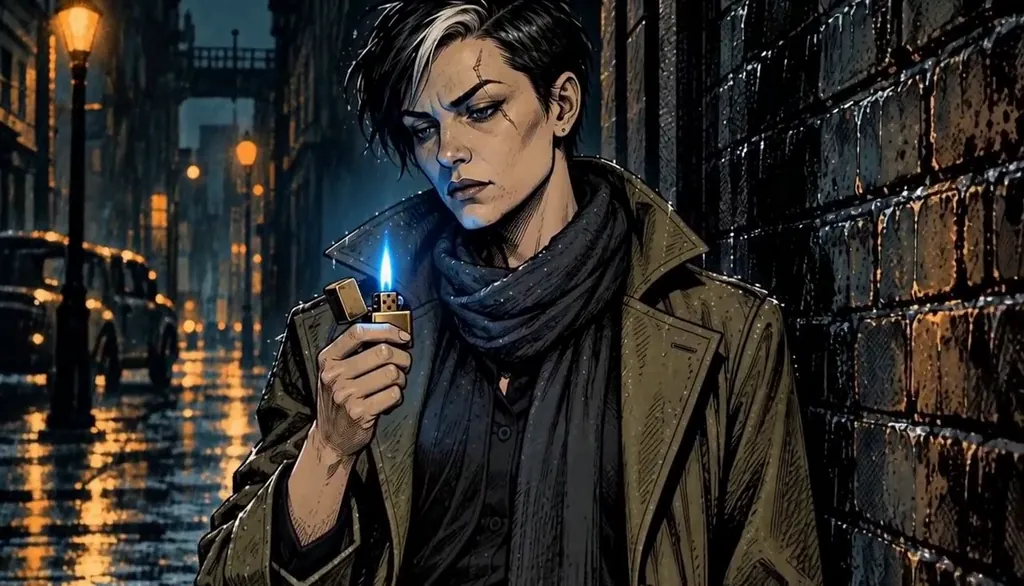 Graphic novelInk-and-halftone noir where the panels move.
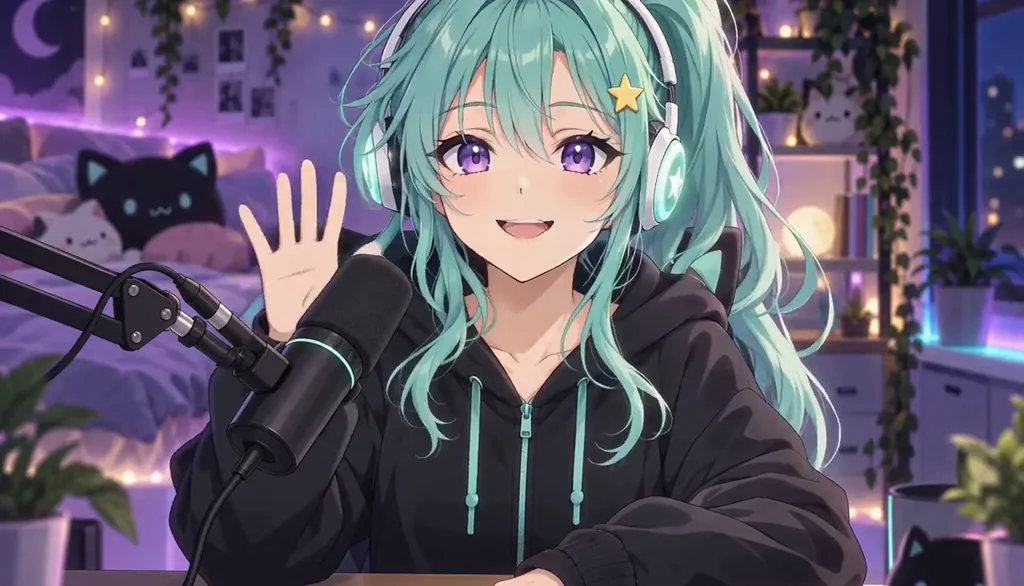 VTuber loreYour model art, an origin story, a debut trailer.
Cast for this genre
Plan it as a full season with the AI series maker.
Guides for this genre
- One character, different art stylesTo keep one AI character in different art styles, make the Character once from a clear picture, then add each style as a Look on that same Character instead of starting over.
- Turn a real story into an episodeThe best first episode is usually something that actually happened — to you.
- How the Director worksThe Director is the Studio’s conversational planner: you write one line about what should happen, it drafts an outline of Scenes, you push back in plain words until it reads right.
Your manga to anime starts with one line.
Free: make your Character and its Story as picture-only Slideshows. Real video comes with a plan.