Make a motion comic: your Characters, a narrator and words that land
Ink, rain and a narrator who has seen too much. Your Characters drawn in the Comic style, told slide by slide with words on screen. With a plan, Make it a Film turns the issue into a separate video copy with Clips.
Free: make your Character and its Story as picture-only Slideshows. Real video comes with a plan.
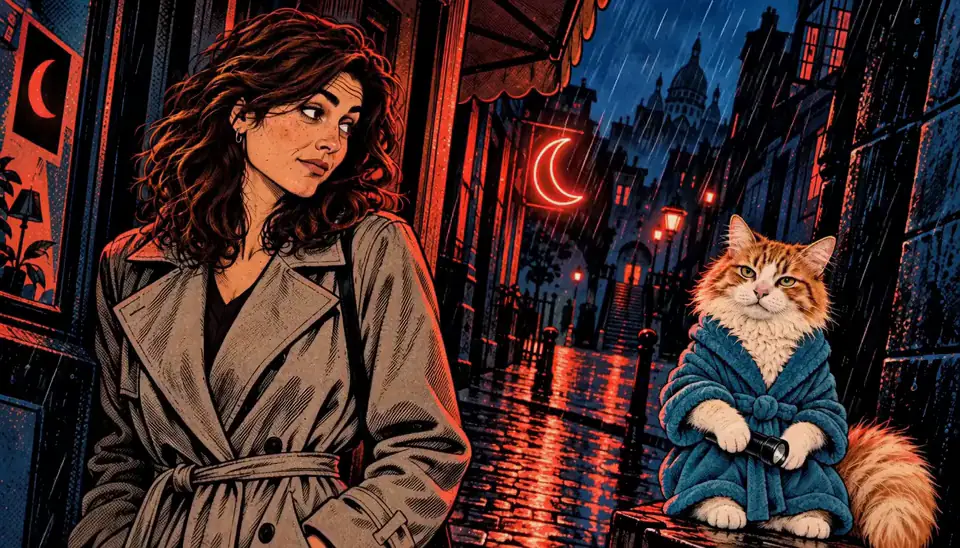
How to make a motion comic with AI
Make your Characters in the Comic style from words or a photo (17+). Ask the AI Director for an issue and it writes the slides and the narration. Free, it is a picture-only Slideshow. With a plan, a narrated Slideshow with words on screen is 40 Credits; its slides stay stills. For real motion, Make it a Film makes a separate video copy of the issue with Clips. There is no paged comic export.
Updated November 2026 · Free to start · Web and iPhone
Sample Clips
Real Clips from fictional sample series. Same Cast from shot to shot.
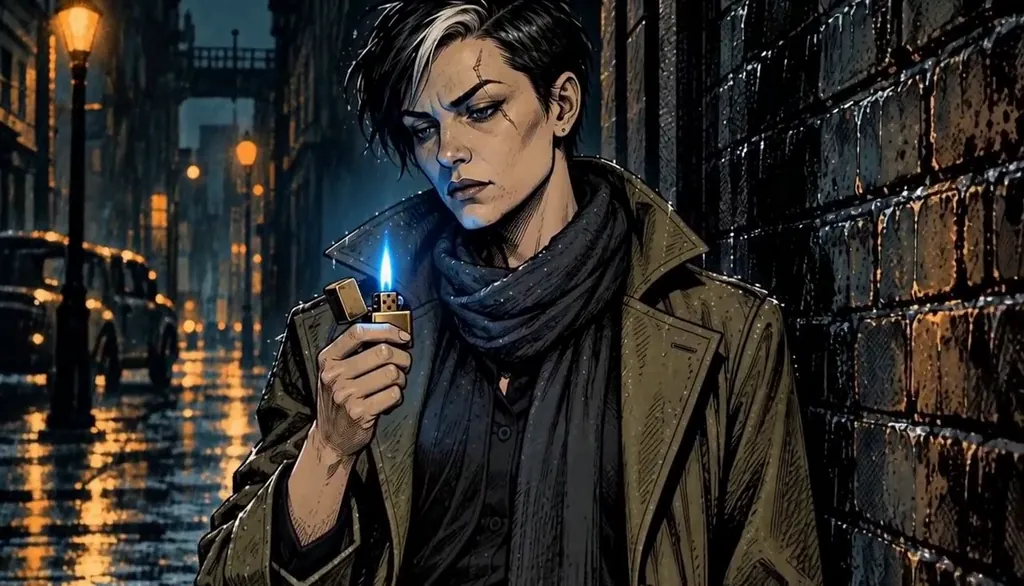
Ashgrove After Dark Blue flame
Example from our house series Ashgrove After Dark, not a motion comic Story. Made with H3 Turbo, the default Clip model in Character App.
What a motion comic is here
A motion comic is comic art that moves a little, told with a narrator. In Character App that is a narrated Slideshow in the Comic style: each slide a drawn still with a slow push-in, the narration read out, words on screen when you export. The Slideshow and its export stay stills. When a moment should really move, like the lighter flicking or the door opening, Make it a Film (with a plan) makes a separate video copy of the issue, and you film those moments there as Clips.
What it is not
Being plain about it saves you time.
No panel layouts
Each slide is one full picture, not a page of panels.
No speech bubbles
Words appear as on-screen captions, not lettered bubbles.
No paged export
You export a video file in 9:16 or 16:9 with a plan, not a comic book file.
Issues as Stories
Every issue is a Story with the same saved Characters, drawn from their reference pictures, so the detective in issue 6 is recognisably the one from issue 1. Small details like a scar can drift, so name them when you write the issue. For webtoon, manhwa and noir series, see graphic novel; for heroes in capes, see superhero series.
What you get, in counts
A motion comic is a few inked Characters and an issue at a time. Every price is on the button before you press it.
Free, every day
One new Character a day and 4 pictures a day from one shared pool, and one written Story a day on the web. A free Story comes as a short picture-only Slideshow of a few slides drawn from those pictures, so you see your Characters in the style before you pay for anything.
40 Credits: a narrated Slideshow
Up to 5 slides with narration and music, on the web, with a plan.
25 Credits: a 5-second Clip
Filmed in the Film copy on H3 Turbo, the default Clip model, from your Characters. Five Clips put together as an Episode (0:25) come to 125 Credits, plus any Scene pictures the Story draws.
$39.99 a month: Creator
1,600 Credits: 64 HD H3 videos or 40 Slideshow Stories, from the same Credits. Starter is $19.99 for 800.
6 motion comic ideas to start from
Press one and it lands in the idea box. Change a word or keep it; the Director takes it from there.
- 01The Morgue DetectiveA rain-soaked detective only takes cases from people already in the morgue.Use this idea
- 02Tell-AllA hero's sidekick writes a tell-all, and every issue is a rebuttal.Use this idea
- 03One LetterA courier in a floating city delivers one letter per issue.Use this idea
- 04ResignationA henchman tries to quit, and the paperwork is the whole arc.Use this idea
- 05By FridayA comic shop where every issue sold comes true by Friday.Use this idea
- 06Blue FlameAn informant only talks while her lighter is lit.Use this idea
From one line to Episode 01
- 1
Ink your Characters
Make them from words or a photo (17+) in the Comic style. Each one is saved for the next issue.
- 2
Write the issue
Ask the AI Director for the issue. It writes the slides and the narration.
- 3
Narrate it, then film it
Free as a picture-only Slideshow. With a plan, narration and words are 40 Credits. For motion, Make it a Film makes a separate video copy with Clips.
Questions, answered
Still curious? The guides go deeper.
Is it real video or a slideshow?
A Slideshow of stills. Free, you make picture-only Slideshows. With a plan, the narrated Slideshow is 40 Credits and exports as a video file of its stills. Real motion comes from Make it a Film, which makes a separate video copy of the issue with Clips.
Can I make a printed or paged comic?
No. There are no panel layouts, speech bubbles or comic book files. This is a narrated, moving story.
Can I use characters from existing comics?
The app is built for heroes, villains and cities you invent. You need the rights to any picture you upload, and a fan-style tribute is at your own risk under our Content Policy.
Can the words show on screen?
Yes. When you export with a plan, you choose with or without words.
What does it cost?
Free: your Characters and the Story as a picture-only Slideshow. With a plan, a narrated Slideshow is 40 Credits, a 5-second H3 Turbo Clip is 25, and a 5-Clip Episode (0:25) is 125, plus any Scene pictures the Story draws. Creator is $39.99 a month for 1,600 Credits.
More genres
Every genre- Graphic novelInk-and-halftone noir where the panels move.
- The city's least impressive hero can stop time for four seconds, and uses it to be on time.Superhero seriesOrigin, suit, villain, finale. Same face throughout.
 Horror & mysteryThe monster keeps its face. So does the killer.
Cast for this genre
Plan it as a full season with the AI series maker.
Guides for this genre
- Make a graphic novel seriesA graphic novel series is a hero, an ink style, and an issue structure — an ongoing comic where the same detective walks into a new case every issue and the same shadows follow.
- How the Director worksThe Director is the Studio’s conversational planner: you write one line about what should happen, it drafts an outline of Scenes, you push back in plain words until it reads right.
- Scenes, Takes, Clips, EpisodesCharacter App has five production nouns and they nest: a Scene is one dramatic moment, a Take is one filmed attempt at it, a Clip is the take you kept, an Episode is kept Clips assembled in order, and a Season is the run of Episodes.
Your motion comic starts with one line.
Free: make your Character and its Story as picture-only Slideshows. Real video comes with a plan.