Make your character move
Your OC has been a still picture long enough. Make them a Character from a few words or your photo, press Keep, and they come alive with a calm 5-second idle. After that, Clips let them do anything you can describe.
Your first Character comes alive free with a 5-second idle; later idles are 10 Credits. Clips start at 25 Credits for 5 seconds with a plan.
Free: make your Character and its Story as picture-only Slideshows. Real video comes with a plan.
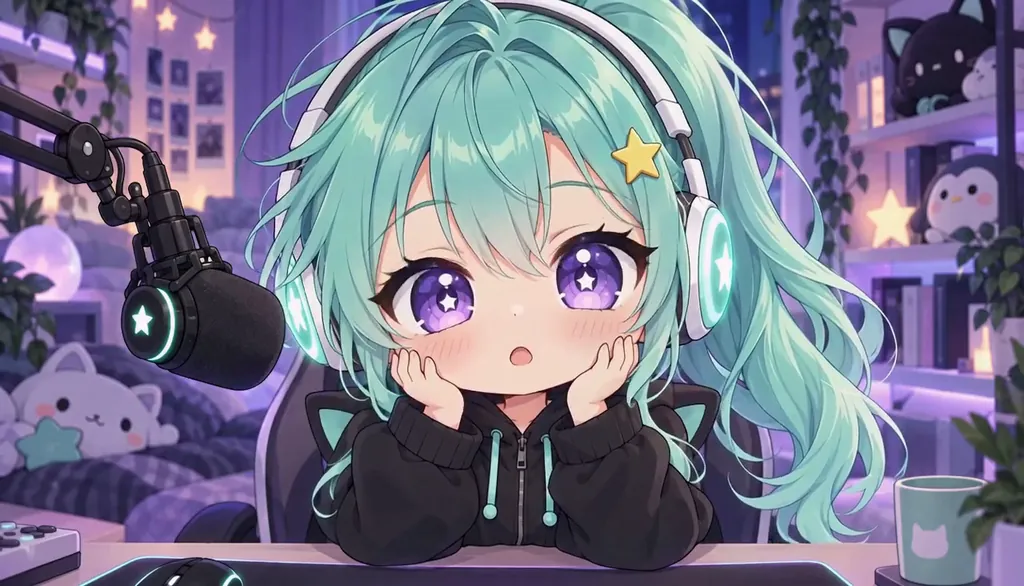
How to animate your character with AI
Describe your character, or start from your photo, and Character App draws them as a Character in the Art style you pick. Press Keep and your first Character comes alive with a free 5-second idle. With a plan, film Clips where they act out anything you describe, from 25 Credits for 5 seconds.
Updated November 2026 · Free to start · Slideshow Stories on the web
Sample Clips
Real Clips from fictional sample series. Same Cast from shot to shot.

Milo Fenn Milo, 2D cartoon
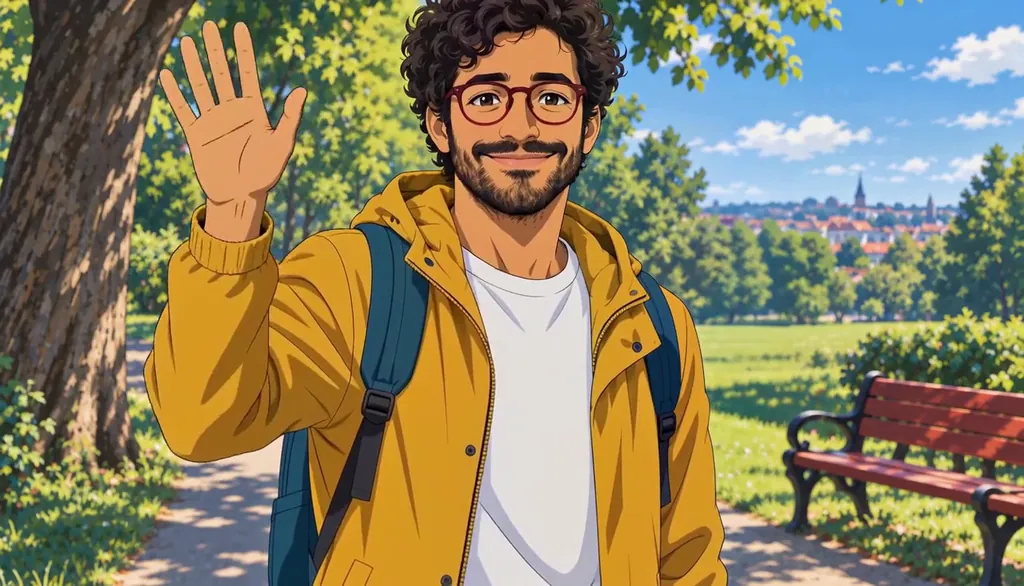
Milo Fenn Milo, anime
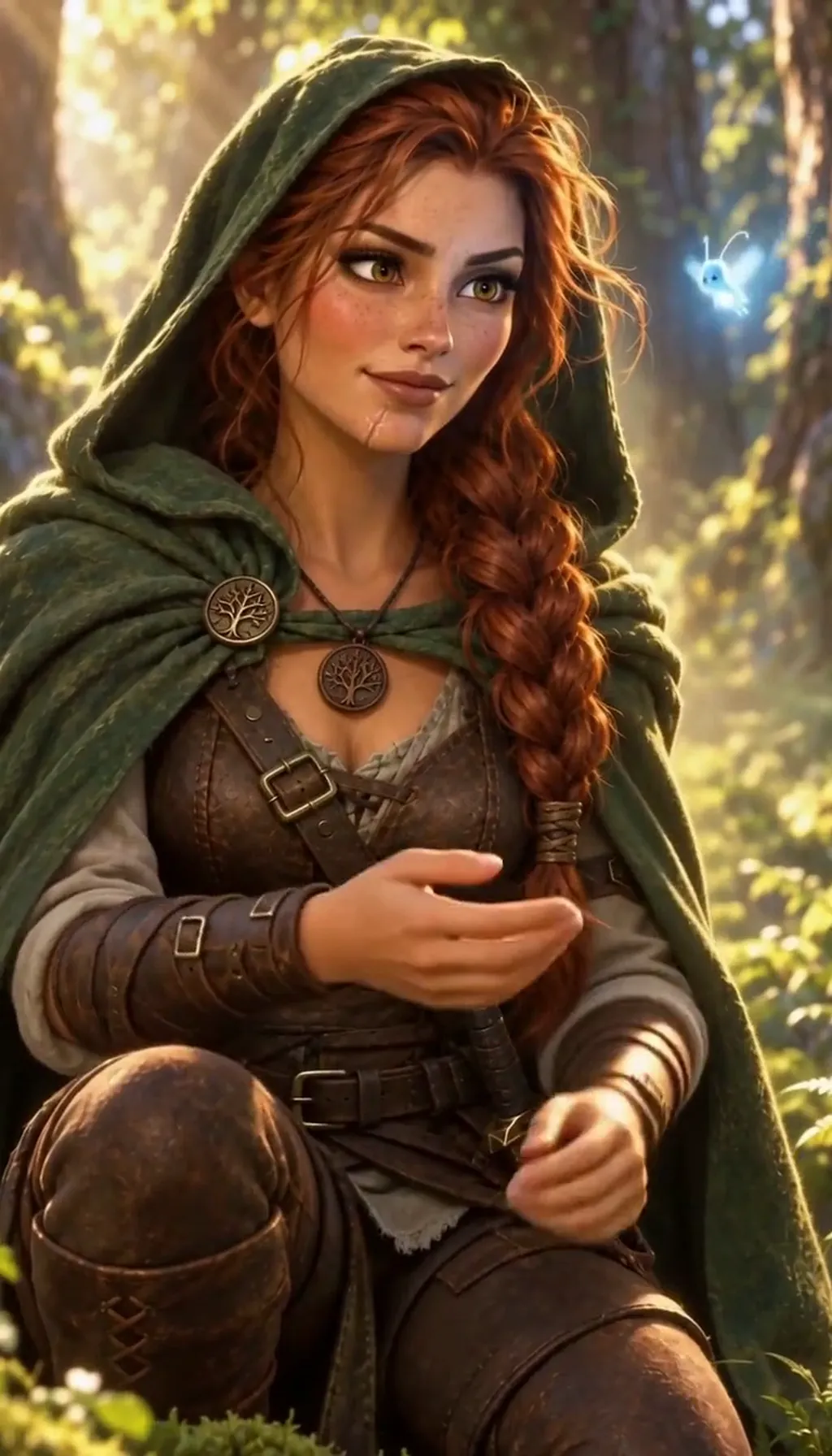
Brynn Halloway The sprite (3D)
Example from one of our house series. Made with H3 Turbo, the default Clip model in Character App.
How it really works
Your words or photo become a Character, drawn fresh in the Art style you pick. That Character is what moves. It is not a tool that wiggles the exact lines of an existing picture; it is a Character you can put in any Scene, any outfit and any Story afterwards.
Alive first, then acting
Two steps.
The idle
Press Keep and your first Character comes alive with a calm 5-second idle, free. Later idles (a redo, or an idle for a new Look) are 10 Credits.
Clips
With a plan, describe what happens (they draw a sword, they laugh, they say one line) and film it as a Clip: 25 Credits for 5 seconds on H3 Turbo.
Same Character, different styles
Want your OC in anime and in 3D? Add each style as a Look and the face stays the same. See one character, different art styles.
Then give them a story
A moving character wants somewhere to go. See OC story for Stories written around your character, or the AI OC maker for design ideas.
6 animate your character ideas to start from
Premises the AI Director can write for you. Make your Character first, then type one in, or your own.
- 01The SwordswomanA silver-haired swordswoman with a cracked visor and a habit of humming before a fight.
- 02The CourierA mint-haired courier who delivers letters between worlds.
- 03The MageA sleepy mage whose spells only work when she is annoyed.
- 04The MascotA round orange creature who works the front desk of a haunted hotel.
- 05The DetectiveA rain-soaked detective with a paper cup of coffee that is never empty.
- 06The RobotA small, polite delivery robot who is clearly in love with a vending machine.
Three steps, in the Studio
- 1
Make your character
Describe them, or start from your photo, and pick an Art style. One Character a day is free.
- 2
Keep, and they come alive
Your first Character gets a free 5-second idle. Later idles are 10 Credits.
- 3
Film Clips
With a plan, describe an action or a line and film it: 25 Credits for 5 seconds.
Tiles use pictures from our house shows: the Slideshow slides are from Rate Limited.
Questions, answered
Still curious? The guides go deeper.
Can I make my OC move for free?
Your first Character comes alive with a free 5-second idle when you press Keep. Clips where they act, and later idles, need a plan or Credits.
Will it animate my exact picture?
No. Your words or photo become a Character, drawn fresh in an Art style; that Character is what moves. It keeps the look, not every line of the original picture.
What can my character do in a Clip?
What you describe in one plain sentence: walk in, turn, laugh, draw a sword, say a short line. 5 seconds is 25 Credits on H3 Turbo.
Can I animate a child character?
No. Characters are always adults.
Can I use someone else's character?
No. Use your own original character, or yourself.
More genres
Every genre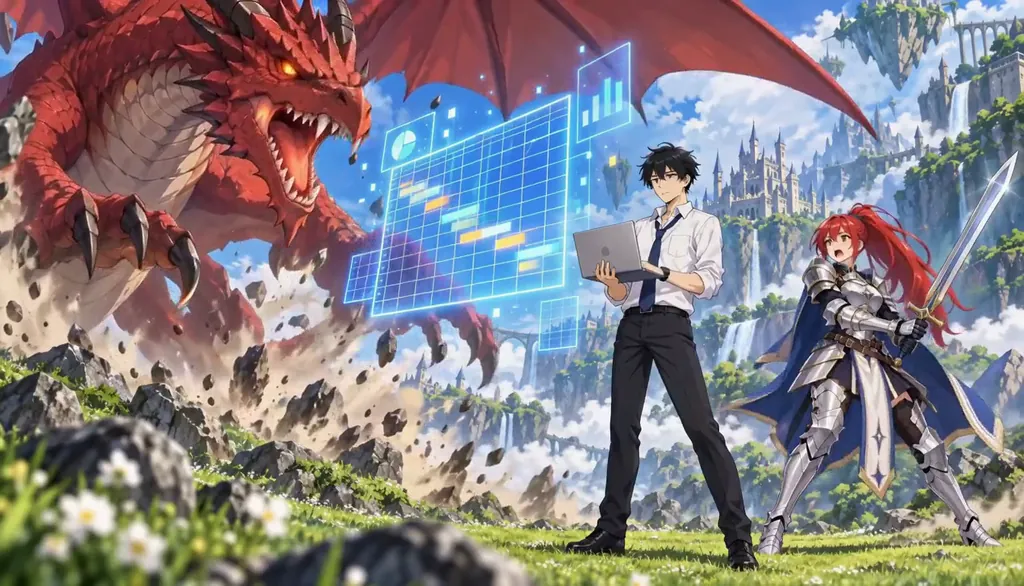 AnimeCel-shaded arcs, rivals and late-waking powers.
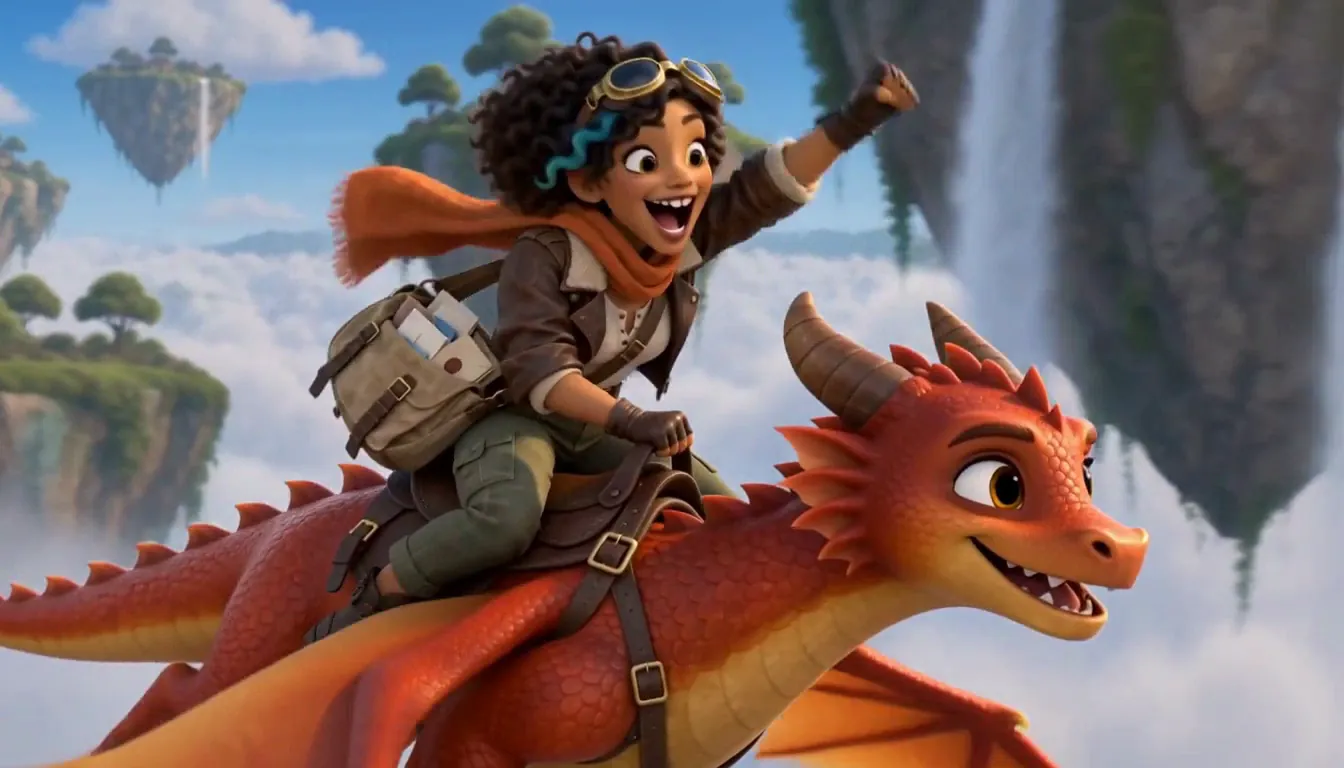 3D animated dramaStylized 3D with feature-film warmth and real stakes.
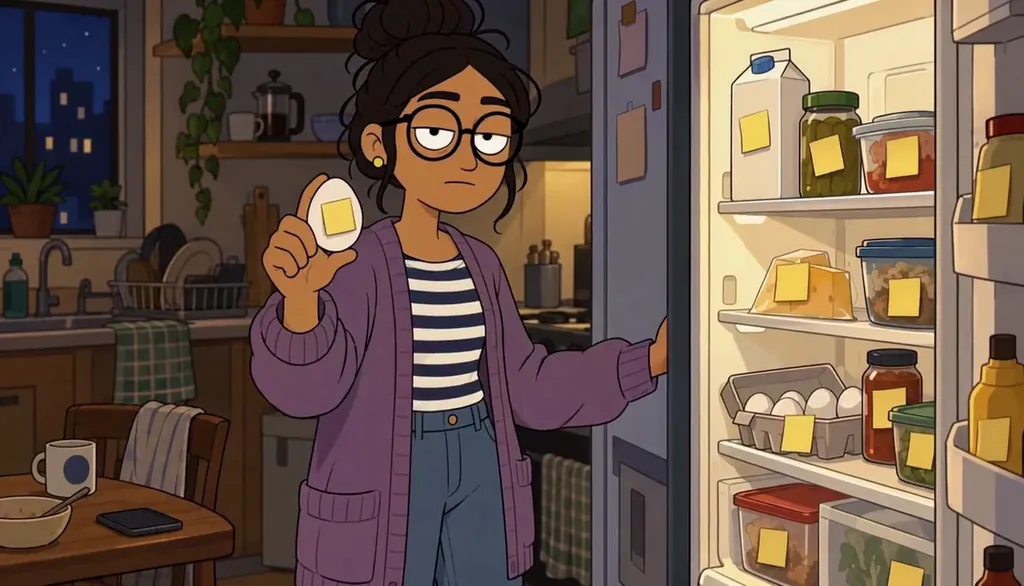 Cartoon showAdult 2D comedy — dating, friendship and fog in the Mission.
Cast for this genre
Plan it as a full season with the AI series maker.
Guides for this genre
- One character, different art stylesTo keep one AI character in different art styles, make the Character once from a clear picture, then add each style as a Look on that same Character instead of starting over.
- Create a Character from wordsTo create a Character from words, describe the visible person first: face, silhouette, outfit and expression.
- Direct AI actors with textDirecting an AI actor is writing a stage note, not a prompt: a good direction line names who, where, what changes, and the one held beat — then lets the Director stage it.
It starts with your Character.
Free: make your Character and its Story as picture-only Slideshows. Real video comes with a plan.