A story video for your kids, made by you in an evening
Make a story video for your kids from one line: a tortoise who is always last, a robot who breaks everything. You write it, the AI Director turns it into a narrated Story in Scenes with the same hero in every picture, and you watch it together. As a Slideshow it is about $1.00 (40 Credits).
Free: your idea as a World with its first Story in pictures. A plan films every Scene.
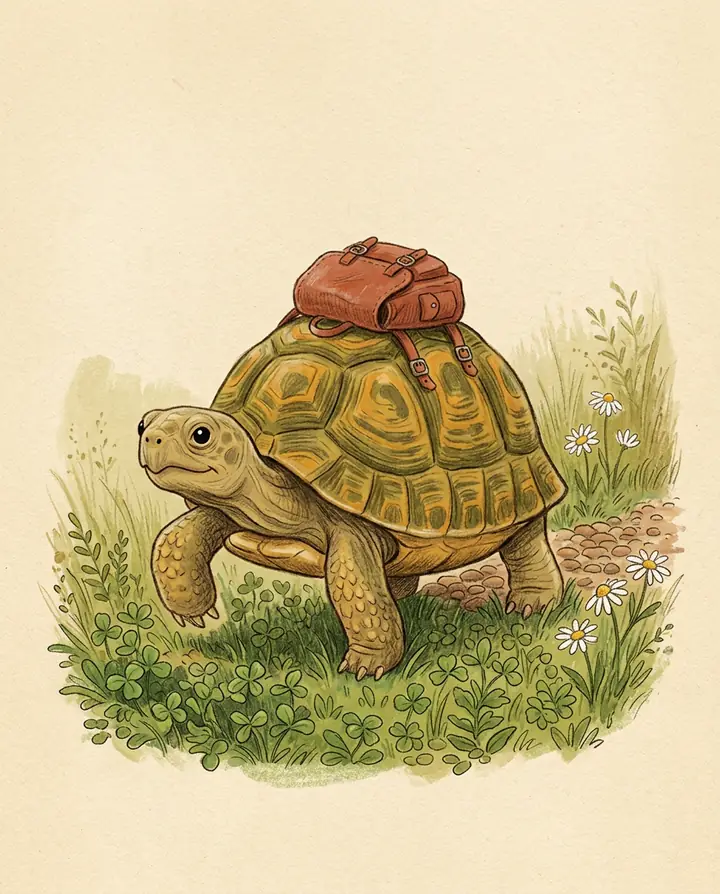
How to make a story video for kids
Type one line about the hero and the problem, or roll one. Character App builds the hero once (an animal, a toy, a grown-up or a creature you invent) and the AI Director writes the Story in Scenes, narrated, with the same hero on every slide. Watch it first, change a word, film the Scene they will love most, and play it for them.
Updated · A 5-second Clip on HG H3 Max: about $0.62 (25 Credits) · Web and iPhone
At Starter’s price ($19.99 a month for 800 Credits); our arithmetic.
Build the story in three beats
The stories children ask for again are short and shaped the same way. Give the Director these three beats in your one line and it writes the Scenes around them.
The problem
Small and clear: the tortoise is always last, the robot breaks things, the raven will not share. One problem per story.
The choice
The moment the hero could do the easy thing and does the kind or brave one instead. This is the Scene to film as a Clip.
The lesson
Said by what happens, not by a speech: the slow road had the best view, the broken pieces made a bridge. End on the hero at home.
Who is in it
The hero is an animal, an original toy, a creature or a grown-up, invented from a few words and drawn the same way on every slide. The family dog can join from one clear photo. Children are the audience, never the cast: the Studio makes adult Characters only, refuses words that describe a child, and never uses a child's photo. Put your child into the story in other ways: their favourite animal, their colour, the name of your street.
Posting it on YouTube for kids
If you share a story made for children on YouTube, the rules change. From YouTube's own help pages, read 16 Nov 2026:
You set the audience
The creator must mark each video or the channel as made for kids when children are the main audience or the story, characters or songs are aimed at them. In the US a kid is anyone under 13.
What switches off
On made-for-kids videos YouTube turns off comments, personalised advertising, notifications, the Miniplayer, cards and end screens, and saving to a playlist.
Say it is AI
YouTube requires creators to disclose AI-made content that seems realistic, using the AI use setting at upload; non-realistic animation does not need it. Read do I have to label AI content and the YouTube policy guide first.
For a class
Teachers use the same tools for a class story: one hero who learns to share, wait a turn or try again, played on the classroom screen. The teacher makes it, the class watches. See Character App for education.
What one story night costs
A narrated Slideshow Story is about $1.00 (40 Credits) for up to 5 slides, and about $0.20 (8 Credits) for each slide after that. The choice Scene filmed as a 5-second HG H3 Max Clip is about $0.62 (25 Credits); Episode 1 (4 Clips with their Scene pictures) is about $3.10 (124 Credits). Dollar figures: At Starter’s price ($19.99 a month for 800 Credits); our arithmetic.
8 kids story video ideas to start from
Press one and it lands in the idea box. Change a word or keep it; the Director takes it from there.
- 01The Slow RoadA tortoise who is always last learns that the slow road home is where all the best things are.Use this idea
- 02Broken ThingsA tin robot who breaks everything he touches builds the one thing nobody else could: a bridge across the stream.Use this idea
- 03The Full NestA raven hides every shiny thing in the forest and finds that a full nest is a lonely one.Use this idea
- 04One UmbrellaTwo badgers who never share anything are caught in the same storm with one umbrella.Use this idea
- 05The Bus BearA bus-driving bear learns every passenger's name, and one rainy morning the passengers return the favour.Use this idea
- 06Sorry BreadA dragon who sneezes fire opens a bakery and has to learn to say sorry for the burnt bread.Use this idea
- 07The Button EyeA knitted rabbit loses his button eye, and every toy on the shelf searches the house before dawn.Use this idea
- 08Bodo's FibBodo, a small orange felt monster, tells one small fib, and it grows bigger every time he repeats it.Use this idea
From one line to Episode 01
- 1
Type the problem
One line: the hero and what goes wrong. Or roll an idea and change a word.
- 2
Meet the hero
An animal, a toy or a creature drawn from your words, the same on every slide. The dog can join from a photo.
- 3
Watch it, then show them
Watch the narrated Slideshow first, film the choice Scene as a Clip, and play it for them.
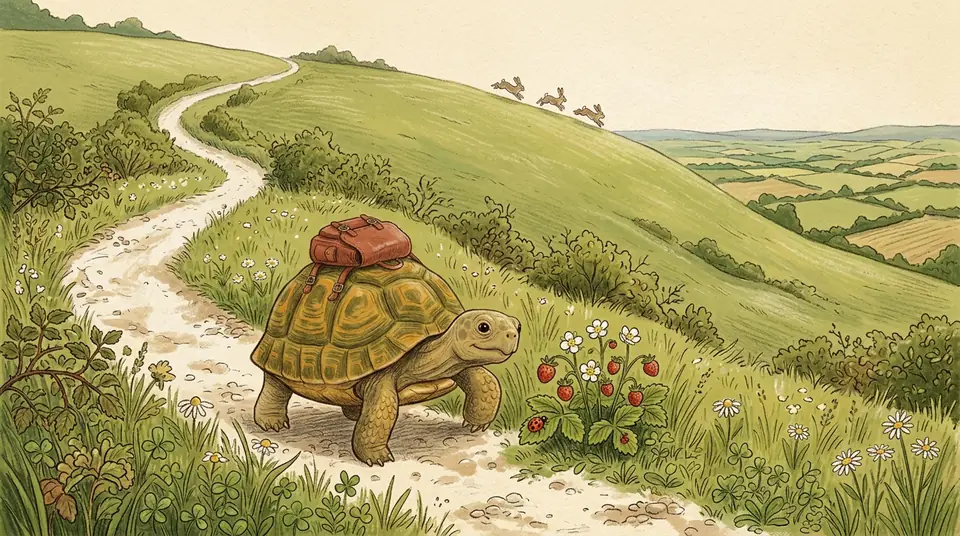 Keep
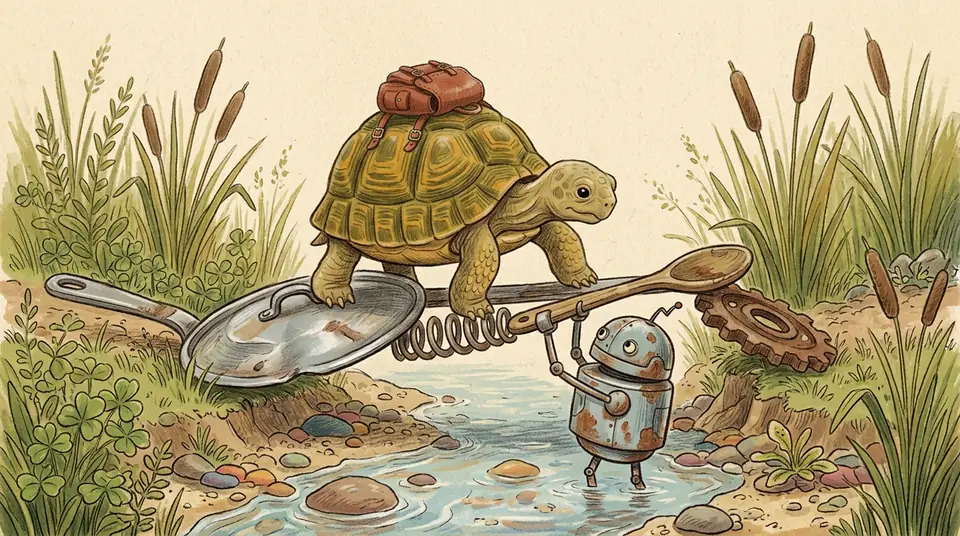
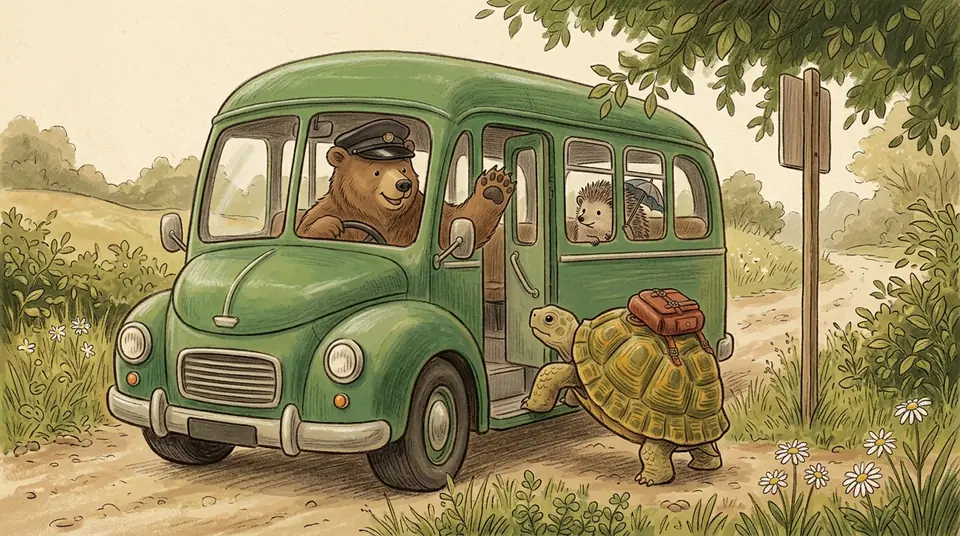
Tile pictures are examples drawn for this page with Nano Banana 2.1, not screens from the app.
For the family
Every holiday page- Family videoA short cartoon of your family for the kids to watch: the grown-ups and the pets as Characters in one small story you write.After dinner, for the kids to watch
- Tooth Fairy videoA story about the Tooth Fairy's night, made by you for your kids, with the same fairy coming back for every tooth.The night the tooth comes out
- Santa movie for kidsA Santa story you make for your kids to watch on Christmas Eve, starring grown-ups and pets they know.Make it by Mon 21 Dec
Questions, answered
Still curious? The guides go deeper.
How do I make a story video for kids with AI?
Type one line about a hero and a small problem. The AI Director writes the Story in Scenes with narration and the same hero in every picture; you watch it, film a Scene if you like, and play it for your kids.
Can my child make one?
No. A parent, grandparent or teacher makes it on an adult account (17 and older); the child only watches.
Can my child appear in the story?
Not on screen. The cast is grown-ups, pets, original toys and creatures you invent, and children's photos are never used. Their favourite animal as the hero is the closest thing, and it works.
Can I check it before they see it?
Yes, and you should. You see every slide and every Clip first and can change any line; the child-safety rules are always on.
Can I post it on YouTube?
Yes, as long as the story and hero are your own. If children are the audience, mark it as made for kids; YouTube then turns off comments and personalised ads on it.
What does it cost?
A narrated Slideshow Story is about $1.00 (40 Credits), and one Scene filmed as a 5-second Clip is about $0.62 (25 Credits). The price shows on the button before you press.
More genres
Every genre- A sleepy fox who delivers dreams to the whole forestBedtime storiesOriginal characters, a new gentle Episode every night.
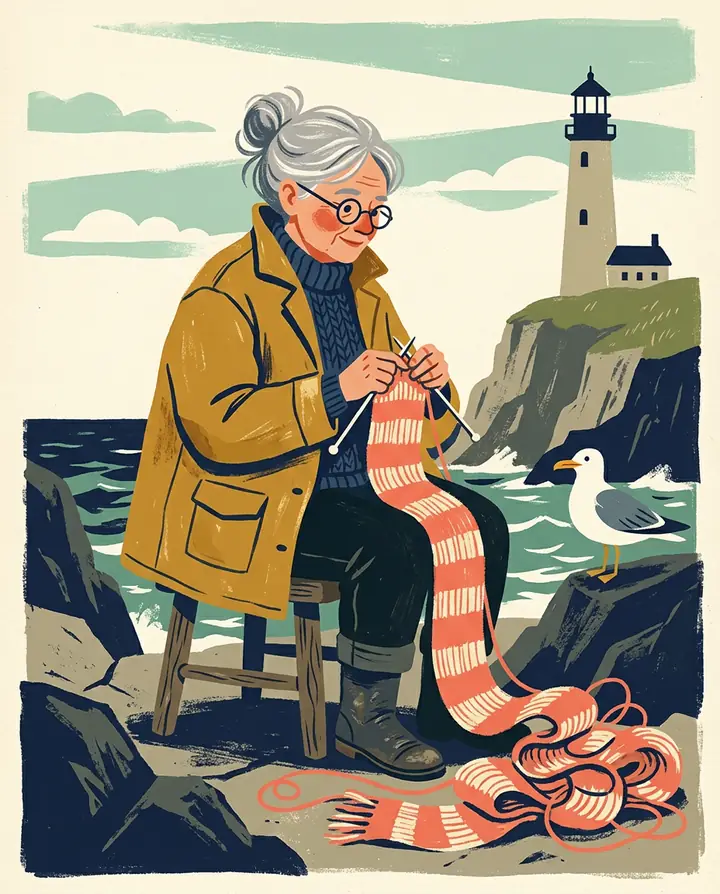 Picture bookPainted pages, read aloud, the same hero on every page.
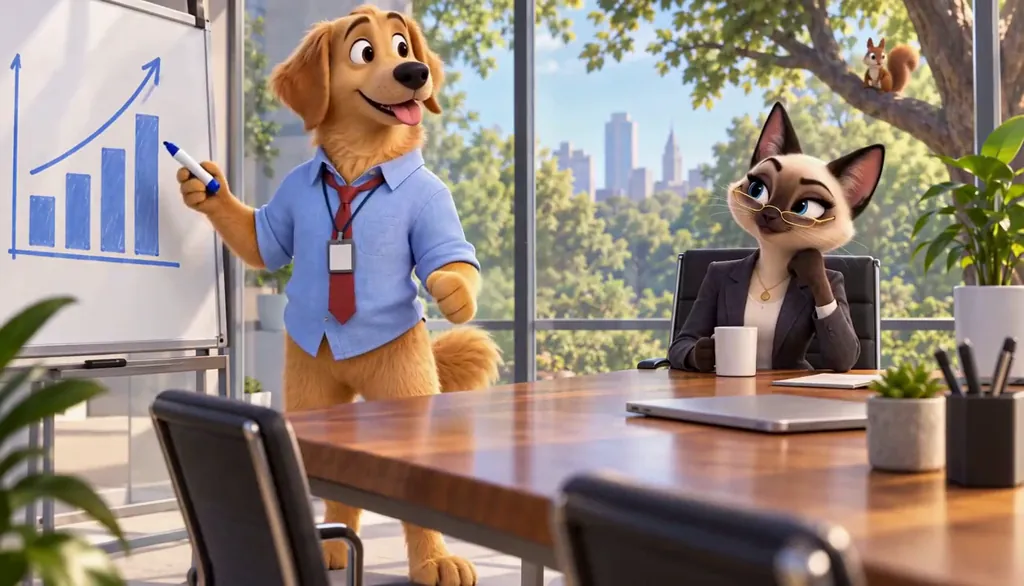 Pet comedyYour actual pet, starring in their own comedy.
Cast for this genre
Tell it as one finished Story with the AI story maker.
Guides for this genre
- Write a 60-second episodeSixty seconds is a complete episode if you stop treating it like a short film.
- Do I have to label AI content?Label realistic AI video; clearly unreal Characters usually need no label on YouTube.
- YouTube’s inauthentic content policyYouTube does not pay for repetitive or mass-produced video, but it does pay for original stories made using AI.
Your kids story video starts with one line.
Free: your idea as a World with its first Story in pictures. A plan films every Scene.