The cat soap opera
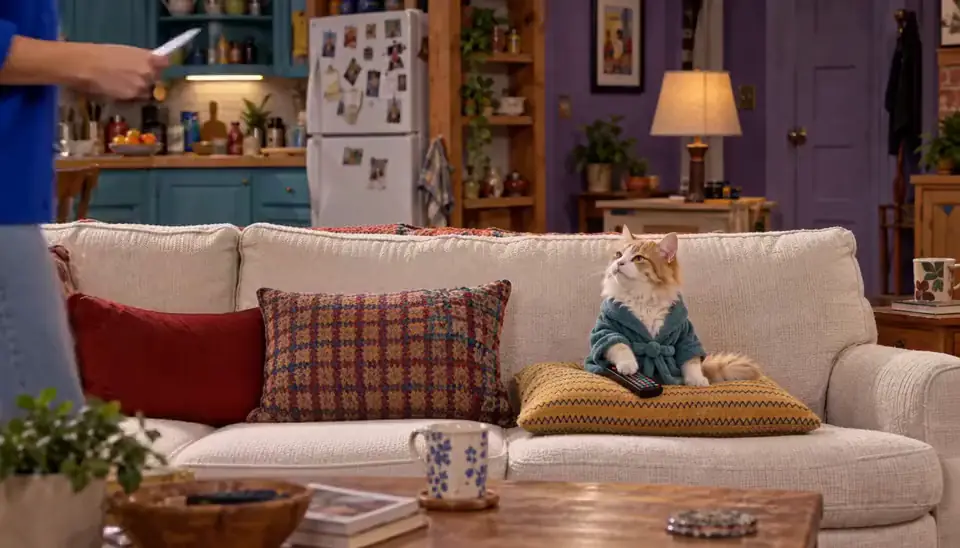
Cats in a vertical melodrama: the betrayed house cat, the husband with a second family behind the fish market, the rich cat and the poor cat. It spreads because the stakes are enormous and the actors are cats, and viewers come back to see what happens next.
Make it with invented cats as Characters, one World, and Episodes the AI Director writes, so the same cats return every time. Free as a picture-only Slideshow; a filmed 5-Clip Episode (0:25) is 125 Credits, plus any Scene pictures the Story draws. Start on the cat drama page.
The fruit villa drama
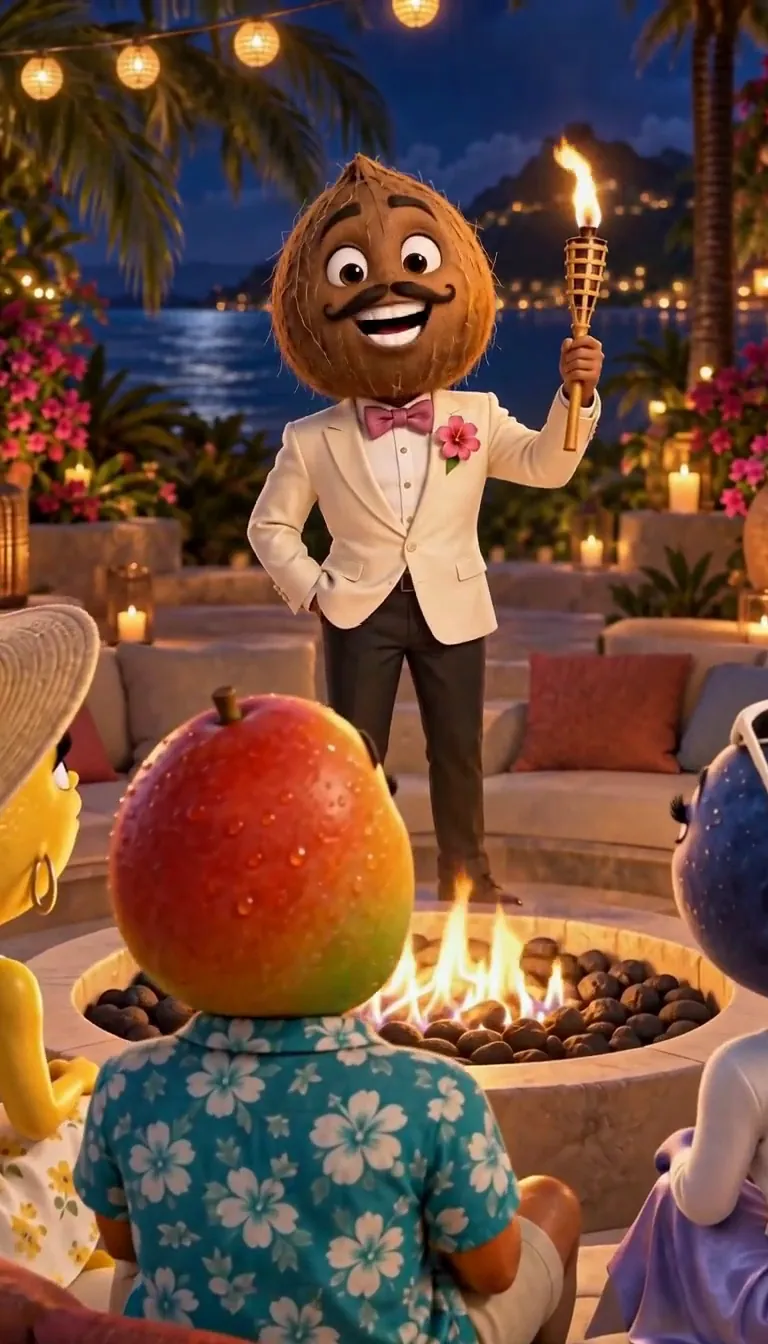
Talking fruit in a dating-show villa: bombshells, recouplings, a lemon with a grudge. The joke is treating fruit with total seriousness.
Invent the fruit cast once and they keep their faces all season. Each Clip is 25 Credits for 5 seconds with a plan. The fruit drama page has the premises.
The reality show
The bigger version of the fruit villa: invented contestants, a confessional to camera every night and a twist. Confessionals are the shareable part, one person saying the quiet thing out loud.
There is no reality-show button; the AI Director writes the format with your Characters. Film a confessional as an H3 Clip with a spoken line, 25 Credits for 5 seconds. See reality show.
Brainrot creatures
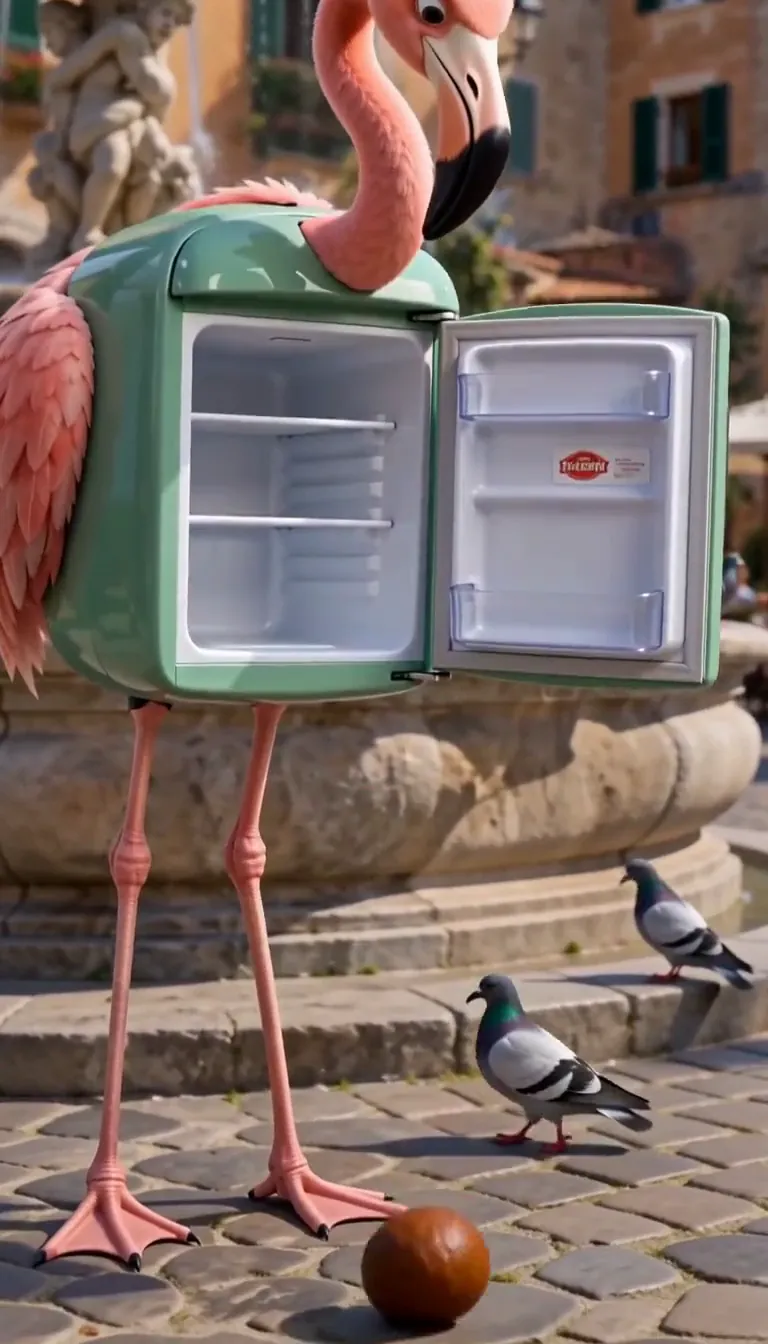
Absurd hybrid creatures with a name you can chant, a fridge-flamingo, a cactus with an accordion, and a recurring bit. They spread because the name sticks.
Invent your own originals (never someone else’s creature) and give them a Story. Free as pictures; Clips with a plan. Start on brainrot.
The talking pet
Your dog or cat saying the thing you know they are thinking: "I did not eat the sofa." It works because everyone already projects a voice onto their pet.
One clear photo makes your pet a Character. With a plan, film a 5-second H3 Clip where they say one short line, 25 Credits. See pet comedy.
The pet holiday special
The seasonal version: your pet in a Christmas special, convinced the stranger coming down the chimney is a burglar. Holiday posts get shared to family chats, which is where pets do best.
Free as a picture-only Slideshow; a narrated Slideshow with music is 40 Credits on the web. See Christmas pet story, or the Christmas video for the rest of the household.
The sitcom skit
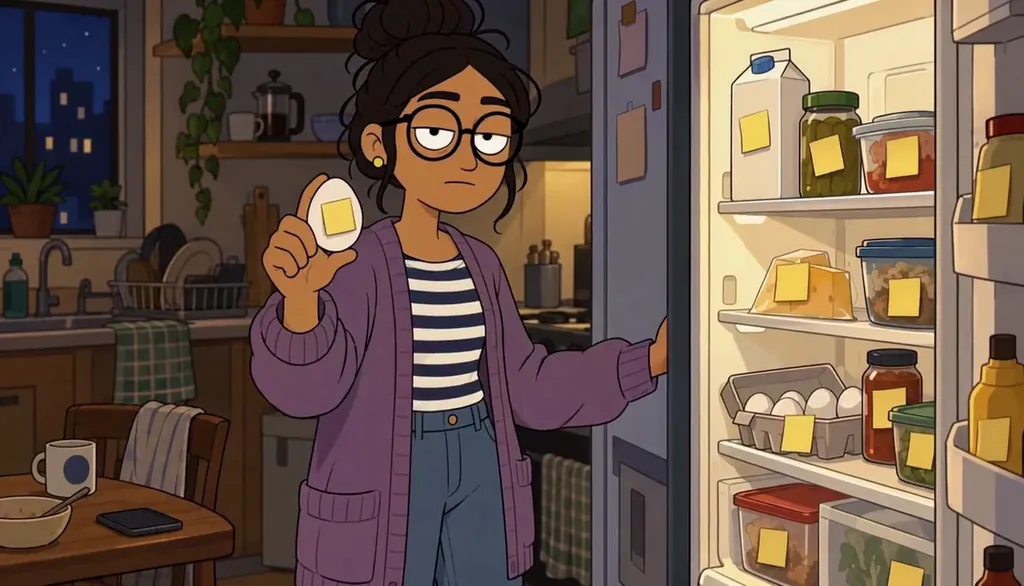
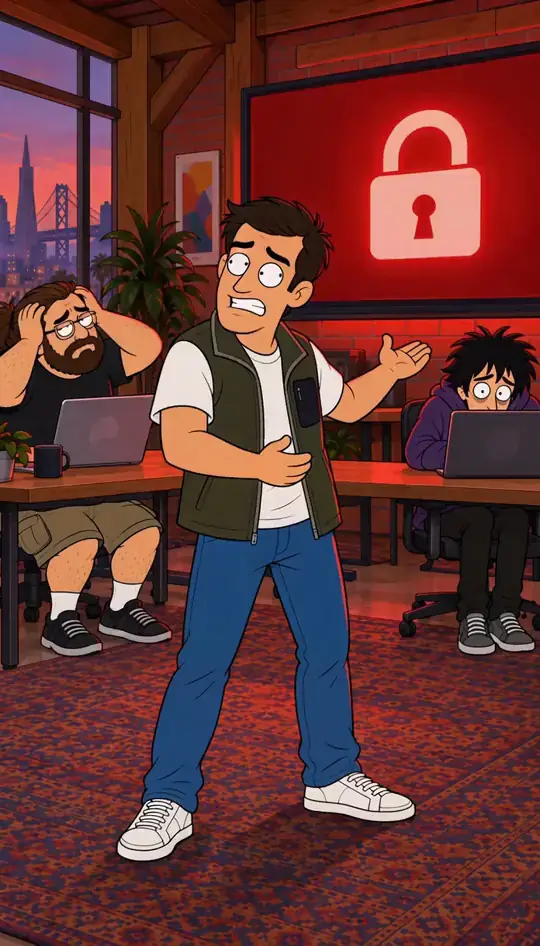
Two roommates, one passive-aggressive note, a payoff in the last second. Short sitcom skits travel because the situation is instantly familiar.
Make yourself and a friend (with their OK) into Characters, or invent them, and let the Director write the skit. See sitcom.
Claymation
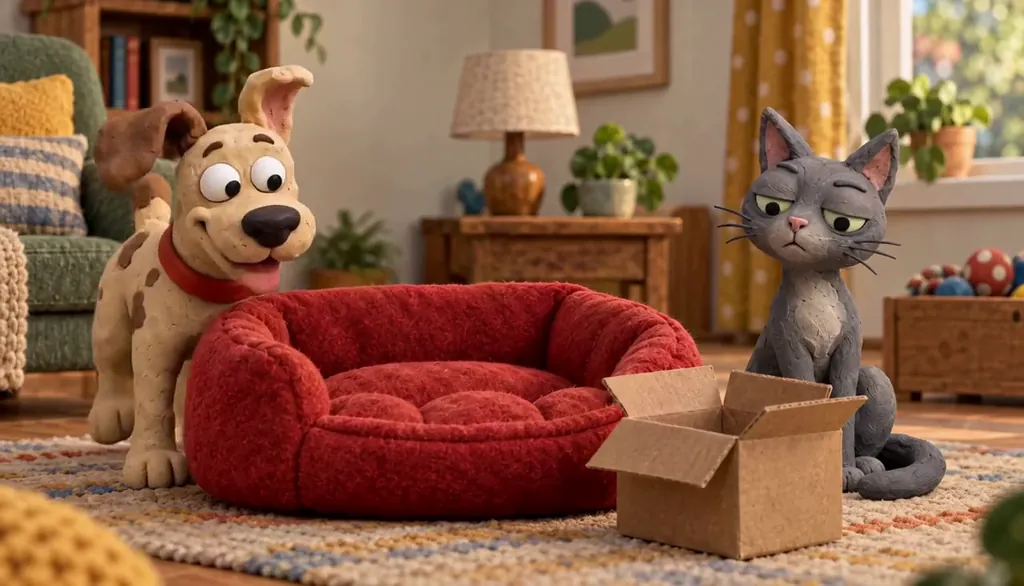
The stop-motion look, thumbprints and all, without the clay. Handmade textures stand out in a feed of glossy AI video.
Pick the Claymation Art style for your Characters and every Scene keeps it. See claymation.
Anime of your friends
Your friend group as anime characters, ideally with a dramatic opening-sequence feel. It spreads inside the group first, which is the point.
Each friend adds their own photo, with their OK, and picks Anime as the Art style. A montage Slideshow uses our library music: not your song, and not beat-synced. See anime of your friends and anime from a photo.
The AI influencer
One consistent invented person posting a life: the café, the outfit, the opinion. It only works if the face never changes.
Make the Character once and every picture and Clip starts from it. We do not post for you, and we make no promises about followers or income. See AI influencer.
Your Character in a trend dance
The dance everyone is doing, performed by your Character instead. Recognisable moves plus a new face is the whole appeal.
Star in a clip puts your Character into a clip you have the rights to, with the same moves. It needs a plan; on the web the default is Wan 3.0 at 20 Credits a second. See put your Character in a dance video.
The animal-boss micro-drama
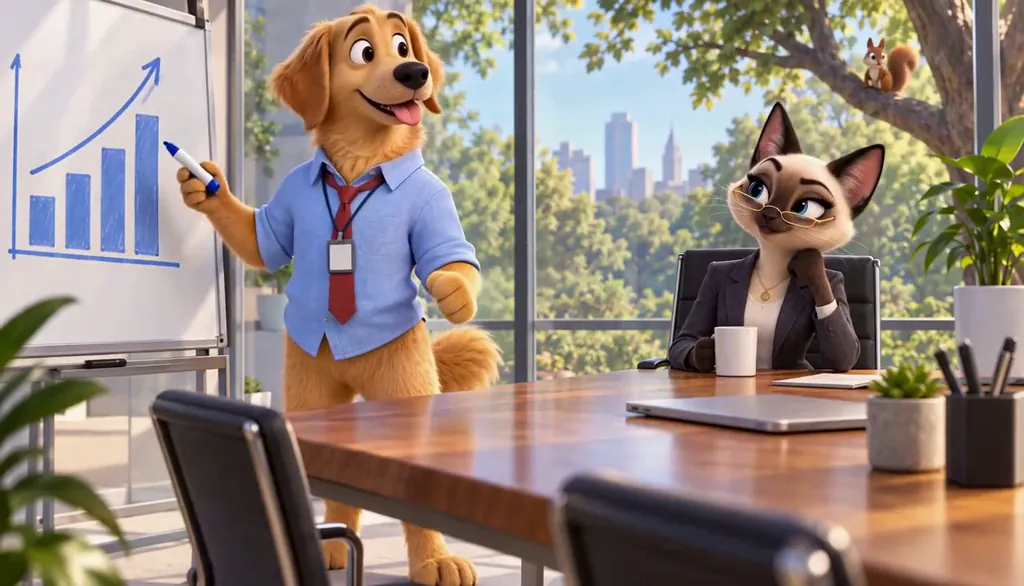
Animals in suits running a company: a Siamese cat CEO, a golden retriever who cannot stop chasing squirrels in meetings. Office drama, but every executive is a pet.
Invent the board as Characters, build the office as a World, and the Director writes the takeover. It is a section of cat drama.
Common mistakes
Chasing a one-tap effect. Hugs, face swaps and baby filters are not what we make, and they do not build a following: a recurring Character does.
Changing the Character every post. If the face drifts, nobody recognises the second video. Keep one saved Character and reuse it.
Using someone else’s character, song or brand. Invent your own; real people only with their OK, never public figures.
Expecting free video. Free makes picture-only Slideshows. Real video comes with a plan.
Questions
What are the most viral AI video formats right now?
Formats with a recurring cast: cat soap operas, fruit villa dramas, reality-show confessionals, brainrot creatures, talking pets and sitcom skits. The twelve above each link to a page where you can make one.
How do people make those viral AI videos?
Most start from one consistent character, write a short premise with a hook in the first second, and post short vertical Clips on a schedule. In Character App the Character, the Story and the Clips all come from the same saved Character.
Is there a free viral AI video maker?
Making the Character and a picture-only Slideshow Story is free here. Real video, narration and MP4 export need a plan, from $19.99 a month for 800 Credits.
Do you post the videos for me?
No. With a plan you export an MP4 in 9:16 or 16:9 and post it yourself on TikTok, Reels or Shorts.
What do you not make?
One-tap face effects, videos of babies or children, music videos to your own song (yet), and anything that promises views or income.